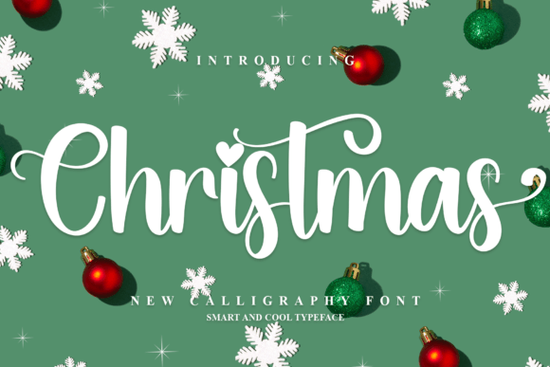
If you're working on holiday designs, a festive typeface can make all the difference. Christmas Font is a decorative typeface built for the holiday season think greeting cards, gift tags, wrapping paper, and seasonal social media posts. Its whimsical letterforms carry a warm, nostalgic feel that's hard to replicate with standard fonts.
But when exactly should you use a font like this? And how do you get the most out of it in your projects? Let's break it down.
What Makes a Good Christmas Font?
Not all holiday fonts are created equal. A well-designed Christmas typeface should:
- Be readable at multiple sizes, from small gift tags to large banners
- Include decorative elements that feel festive without being cluttered
- Offer extra glyphs, alternates, or ligatures for variety
- Work well in both print and digital formats
This particular font checks these boxes. It's PUA encoded, which means every glyph and ligature is accessible even in programs that don't normally support OpenType features. That's a practical advantage for crafters using Silhouette Studio, Cricut Design Space, or similar tools.
What Can You Use It For?
This typeface works well across a range of holiday projects:
- Greeting cards Add personality to handmade or print-on-demand Christmas cards
- Gift tags and labels Create a cohesive look for wrapped presents
- Social media graphics Holiday sale announcements, event promos, festive posts
- Party invitations Set the tone for holiday gatherings
- T-shirt designs Great for seasonal print-on-demand products
- Wall art and signs Printable holiday décor for home or craft fairs
If you sell on Etsy, Redbubble, or similar platforms, a distinctive holiday font can help your seasonal products stand out during the busiest shopping months.
How Does It Compare to Other Script Fonts?
Christmas Font sits in the decorative script category, but depending on your project, you might want something different. If you're looking for a warm, handwritten kitchen-style script, Country Kitchen Font has a cozy, rustic charm. For romantic designs like wedding invitations or love-themed projects, Soulmate Font is a solid choice. And if you need something playful and casual, a fun baby-themed script like Hey Baby Font works nicely for kid-friendly designs.
For more elegant work, such as signature-style typography, Book Signature Font offers a refined alternative. Each font has its own personality the key is matching the typeface to the mood of your project.
Tips for Pairing This Font With Other Typefaces
Holiday designs often need more than one font. Here's how to pair Christmas Font effectively:
- Use a clean sans-serif for body text. The decorative nature of this font works best for headlines and titles. Pair it with a simple sans-serif for any supporting text.
- Limit yourself to two or three fonts max. Too many typefaces create visual clutter, especially on small items like gift tags.
- Match the weight and mood. If your script font feels playful, pick a secondary font that's equally lighthearted not something overly formal.
You can find this Christmas script font and plenty of other holiday-ready typefaces in Creative Fabrica's growing library. For more on effective font pairing techniques, Canva's font combination tool is a helpful free resource worth bookmarking.
Is It Compatible With Your Software?
Since Christmas Font is PUA encoded, it works across most design software, including:
- Adobe Illustrator, Photoshop, and InDesign
- Canva
- Cricut Design Space
- Silhouette Studio
- Affinity Designer
PUA encoding is especially helpful for crafters. It means you can access every decorative character through your system's character map, even if your program doesn't support advanced OpenType features natively.
Quick Checklist Before You Buy
- ✅ Know your project. Is it for print, digital, or both?
- ✅ Check the license. Make sure it covers your intended use especially for commercial products.
- ✅ Test readability. Preview the font at the size you'll actually use it.
- ✅ Look at the full glyph set. PUA-encoded fonts often include alternates and extras you might miss at first glance.
- ✅ Plan your pairings. Decide on a secondary font before you start designing.
Next step: Download the font, open your design software, and create a quick test project a simple gift tag or card mockup to see how the letterforms look in context. That's the fastest way to know if it fits your holiday designs.
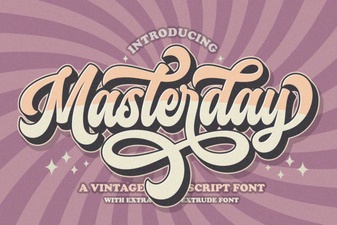 Masterday Font – Elegant Script Font for Creative Designs
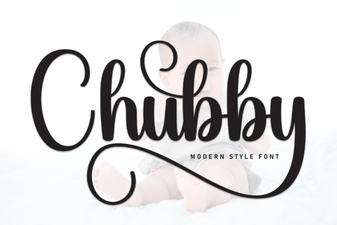 Chubby Font Free Download – Playful Script Typeface for Creative Projects
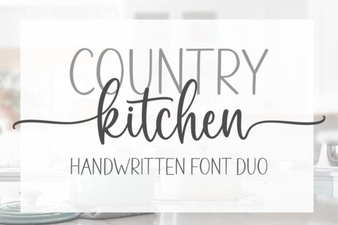 Country Kitchen Script Font - Rustic Handwritten Style Download
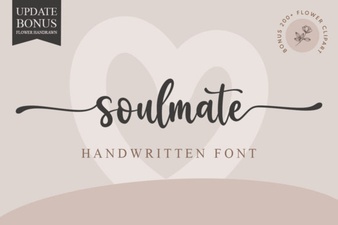 Soulmate Font: Elegant Typography for Romantic Designs
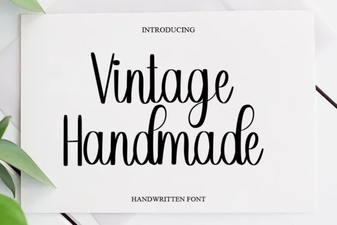 Vintage Handmade Fonts for Creative Design Projects
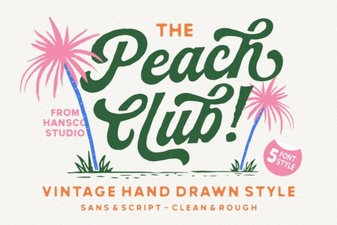 Peach Club Font - Elegant Script Font for Creative Design Projects